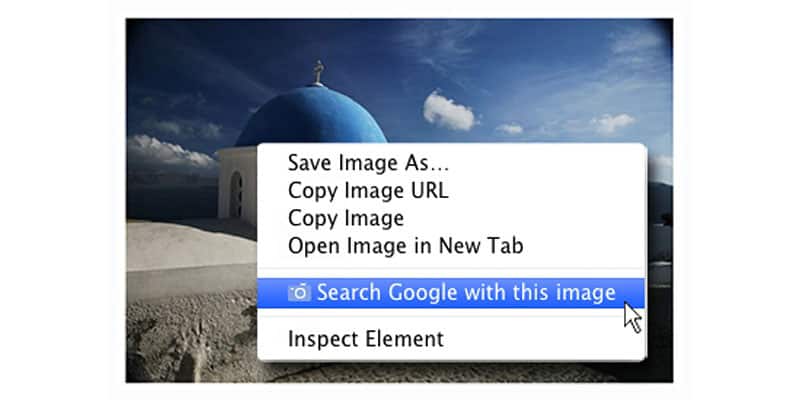
It would be easy to assume that image SEO is basically just about alt tags. Here at PENNInk Productions, we certainly wouldn’t wish to underemphasise the importance of those for both SEO and accessibility. If you’re serious about generating more traffic and revenue for your online business, there’s so much more that your images can do for your SEO.
Let’s take a look at just some of the changes that you can make to your images to bolster your site’s search engine fortunes.
1. Give images appropriate names
How often have you uploaded an image to your site and simply left it with the default filename, such as ‘IMG00056.JPG’? If so, you’re making the job of Google’s search engine crawlers so much harder.
Sure, machine learning technology has progressed a lot in recent years, which makes it easier for Google to tell what’s in an image by means other than the filename, but it’s hardly faultless.
When it comes to objects that look similar, such as courgettes and cucumbers, machine learning can still misidentify an image. A descriptive filename – like ‘small-red-kettle.jpg’ – could therefore greatly help to avoid search engine crawlers becoming confused and bolster your site’s showings in Google Image Search.
2. Be descriptive with alt text and captions
Your images’ alt text will always be crucial, not just with regard to SEO optimisation services, but also so that someone using a screen reader can tell what your images are depicting.
All of your images should therefore be given descriptive alt text, incorporating keywords without falling prey to ‘keyword stuffing’. The latter worsens the user experience, while making your site come across as just as ‘spammy’, as would be the case if you did it across your site’s main copy.
3. Make images responsive
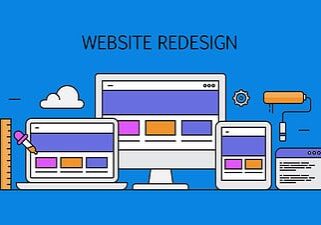
We’re now firmly in the age of websites that are designed to be responsive to any screen size, but is this the case for your images, too?
Think about, for instance, if the main image on your homepage was 600 pixels wide, but the person viewing your site only had a 300-pixel-wide screen. That larger image is having to be loaded regardless, which means some of your users could be experiencing slower loading times – something that has negative knock-on effects for your site’s SEO.
While the srcset HTML attribute enables you to tell browsers to load different versions of given images for different resolutions, the process is even easier when your site is based on WordPress 4.4 or higher. That’s because WordPress will handle everything automatically for every image you upload, giving you thumbnail, medium, medium large, large and full size variants of the image, in addition to adding the srcset automatically.
If you’d like to learn more about the full scope of our web design and SEO optimisation services and packages, the PENNInk Productions team is ready and waiting to take your call; simply phone 020 8144 7931 for further information and guidance.

Edward Solomon has over 30 years’ experience in project management, technical education, computer networking, web design and development and is a Digital Business Consultant for PENNInk Productions Ltd.