To say that the ongoing coronavirus outbreak has caused significant disruption would be quite the understatement. Indeed, it has profoundly affected almost every aspect of our lives and the lives of those closest to us.
Consequently many businesses’ operations have been upended, too, but is this reflected in your firm’s current Google My Business listing?
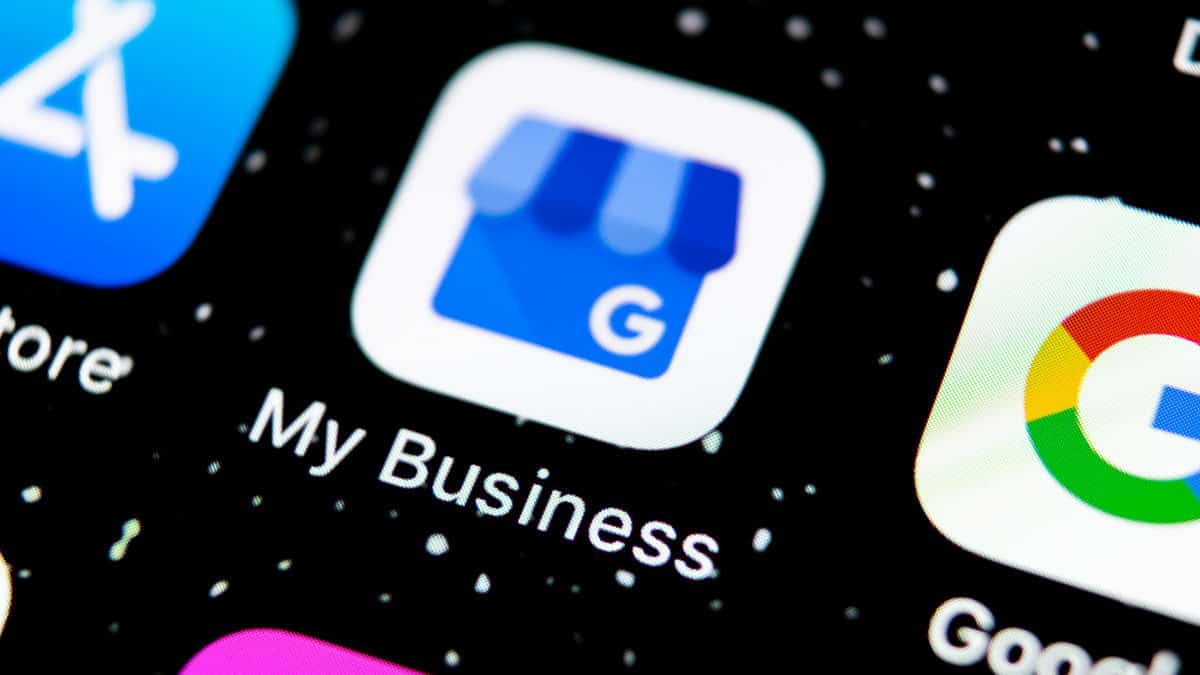
What is Google My Business?
Google My Business – Drive Customer Engagement on Google
With a Google My Business Account, you get more than a business listing. Your free Business Profile lets you easily connect with customers across Google Search and Maps. Manage now Khamsa The Beast of Brixton True Flavours Caribbean Food Overview Photos Posts About Khamsa is an Algerian restaurant.
Hopefully, you’ll know what I mean when I refer to Google My Business. It’s the listing that will probably appear on the right-hand side of the search engine results page (SERP) if you perform a Google search for your organisation’s name right now.
The information that you see in your firm’s Google My Business listing – including its physical address, opening hours and phone number – may not be accurate in the wake of the recent COVID-19 chaos. Thankfully, though, Google My Business is a free tool to use, enabling you to adjust this information that searchers see about your company. You can manage your listing on the Google My Business website and by using the Android or iOS smartphone apps.
So, here are just three of the updates that you might make right now when you sign into Google My Business.
1. Your opening hours
Edit your business listing on Google
Keep your business information on Google accurate and up to date by editing your Business Profile on Google. You can change information like your address, hours, contact info, and photos to help potential customers find you and learn more about your business.
Once you’ve signed into Google My Business and selected the specific business location of yours that you would like to manage the listing of, you can easily edit your firm’s opening hours by clicking ‘Info’ from the menu and then heading to the ‘Hours’ section.
From here, it’s a straightforward process to specify the exact dates your business will be open and closed, and the opening and closing times for each of those days. It’s also possible to specify multiple opening and closing times for one day – for example, if your business closes for lunch.
‘Special hours’ can be added, too, such as if you’re set to temporarily open your business on a day of the week when it would not normally be open.
2. Your business description
This part of your Google My Business listing could be especially useful at the moment for communicating what’s changed at your firm as a result of COVID-19, and the measures you might have put in place to deal with it.
You might, for example, detail in the business description the social distancing or hygiene precautions your firm is taking right now, whether you’ve altered the products or services your firm offers in light of the pandemic, and whether the delivery of goods might be delayed.
The key priority here should be to inform prospective customers of any of the ways in which your firm’s normal business operations have been impacted in light of recent events.
3. Your Google My Business posts
Post on Google as a local business
Manage your business Important: If you don’t serve customers at a particular location or within a designated service area, you can use Posts on Google for verified entities. Learn more about Posts on Google. You can publish your offers, events, products, and services directly to Google Search and maps by posting through Google My Business.
Yes, Google My Business even allows you to create posts that are displayed prominently under your firm’s listing. It’s another feature that has found even greater relevance amid the fast and often unpredictable change that the coronavirus has forced upon businesses.
Posts on Google My Business are great for attracting people’s attention and imparting vital information. What’s more, if you’re specifically looking to make a COVID-19-related post, you can do so by signing into Google My Business, clicking ‘Posts’ in the menu and then selecting the ‘COVID-19 update’ tab, before composing the post and publishing.
Struggling to keep on top of your SEO?
Give PENNInk Productions a call
Amid the current uncertain times, it’s understandable if your own firm may be falling behind with some of the search engine optimisation and digital marketing it is attempting to do on its own. That’s why it could be a wise choice to get in touch with a trusted SEO services company to oversee this aspect of your firm’s operations, so that you can focus on your core business.
Simply call the PENNInk Productions team now, on 020 8144 7931, and we would be pleased to discuss how we could serve your requirements for all manner of SEO marketing.

Edward Solomon has over 30 years’ experience in project management, technical education, computer networking, web design and development and is a Digital Business Consultant for PENNInk Productions Ltd.